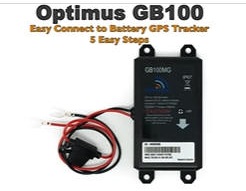
To install a GB100M GPS tracker, first locate your vehicle's battery and
disconnect both terminals with the engine off.
Connect the tracker's red wire to
the positive (+) battery terminal and the black wire to the negative (-)
terminal, then retighten both nuts.
Finally, use the double-sided tape to secure
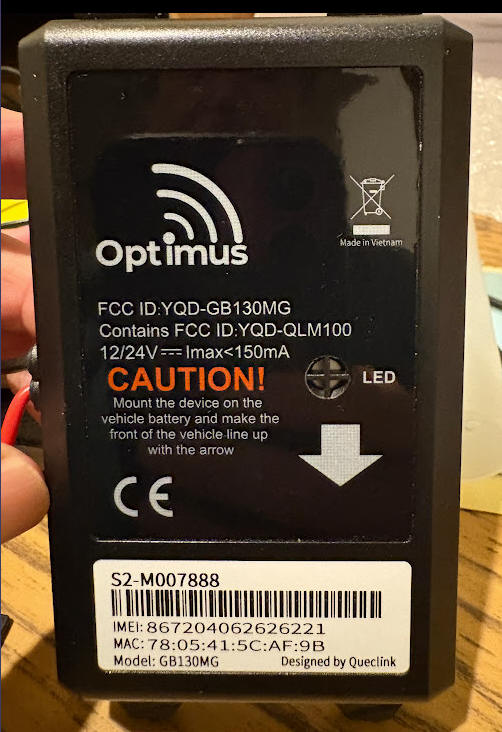
the tracker to a flat surface, like the battery cover, with the arrow pointing
in the direction of travel.
To set up an Optimus GPS tracker, first activate
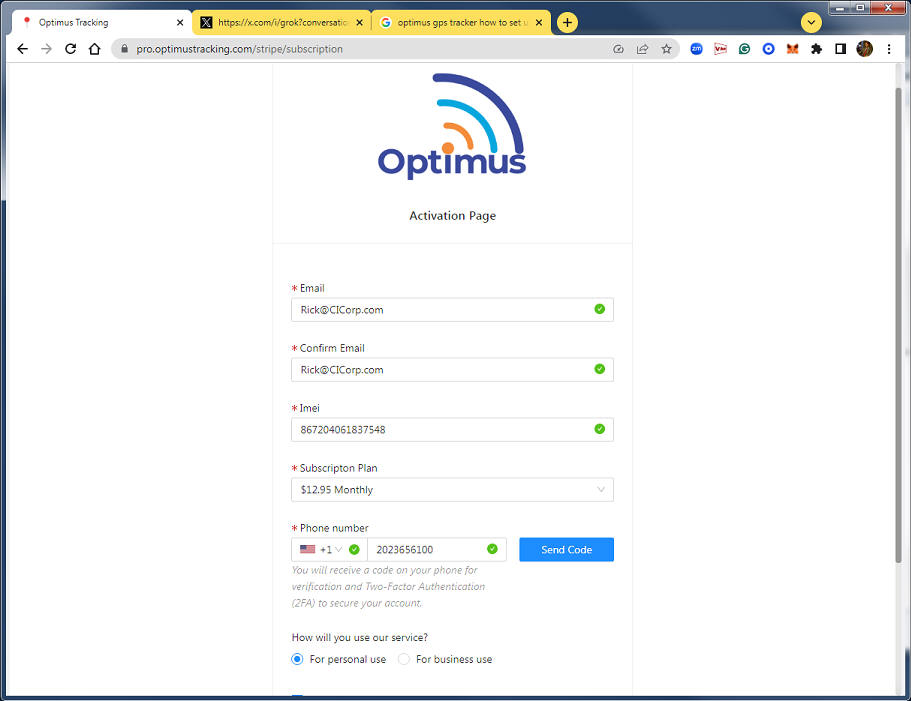
it online by visiting www.OptimusTracker.com, clicking "Activate Tracker," and
entering the tracker's 15-digit IMEI number. After completing the
activation form and subscription, you will receive an activation email with
instructions. For installation, hardwire the red wire to a permanent positive
power source (preferably fused) and the black wire to the vehicle's frame or
negative battery terminal.
Step 1: Activate the tracker
Go to the Optimus GPS Tracker website.
Click the "Activate
Tracker" link.
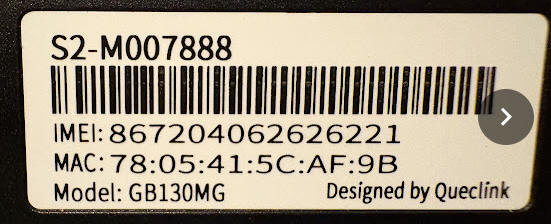
Fill out the activation form, which requires the 15-digit IMEI number found on
the device's label.
Complete the subscription process.
Check your email (including the spam/junk folder) for the activation
confirmation and instructions.
Step 2: Install the tracker (hardwired)
Safety first: Turn off your vehicle's ignition and locate the
battery. For your protection, ensure the red wire will be connected to a 5-amp
fused line.
Connect to power: Loosen the nut on thepositive
(red) battery terminal and slide the red wire's connector under the
nut. Tighten the nut securely.
Connect to ground: Loosen the nut on thenegative
(black) battery terminal. Loosen the screw on the vehicle's frame (if
applicable), slide the black wire's ring terminal under it, and tighten it. If
you are not connecting to the frame, connect the black wire to the negative
battery terminal instead.
Mount the device: Use the included double-sided tape to attach the
tracker to a flat, secure surface. Ensure it cannot move around.
Test the connection: The LED on the tracker should turn on,
indicating power.
Step 3: Start tracking
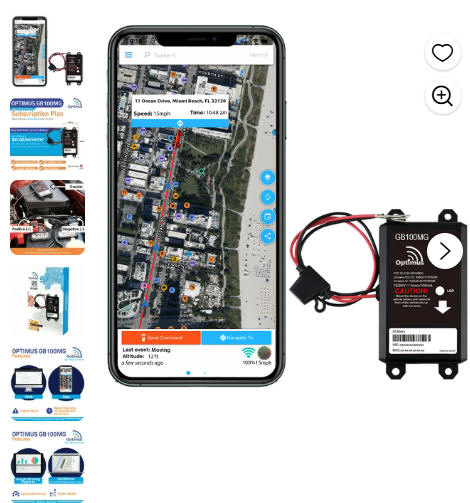
Once installed and activated, you can access tracking information through the
Optimus website or the smartphone app.
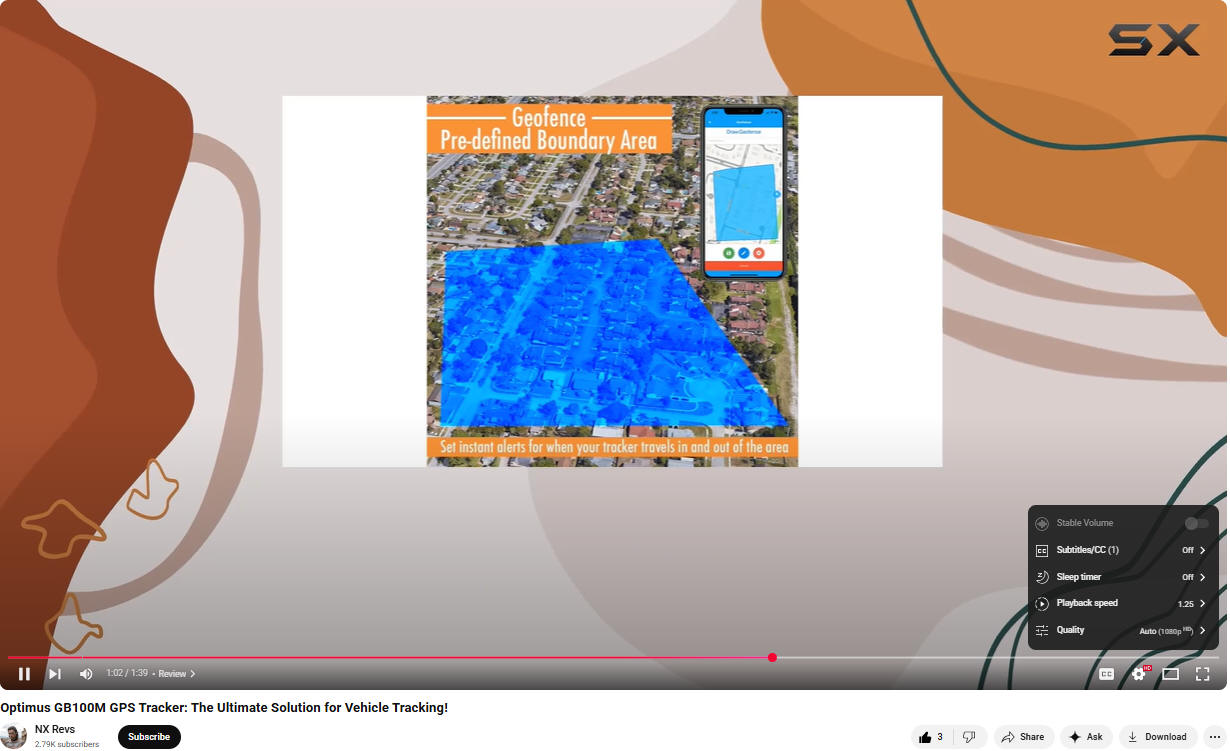
You can log in to your account to view the tracker's location, historical
data, and set up alerts.